


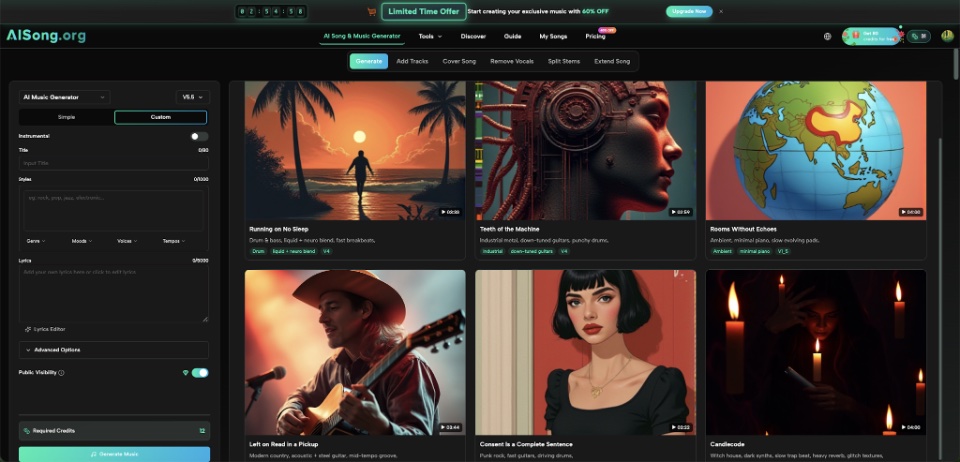
Picture lock is still weeks away, but the rough cut feels flat. A dialogue scene needs tension. A montage needs momentum. The ending needs enough warmth to make the final shot land. Editors often reach for temporary music at this stage because silence makes it harder to judge pacing. The problem is that temp music can become a trap: everyone gets attached to a commercial track that was never meant to survive into the finished film. An AI Song workflow offers another option—making purpose-built temporary cues around the scene instead of borrowing a famous recording.
Temp Music Has One Job: Help You Judge the Cut
Temporary music does not need to be the final score. It needs to answer practical editing questions.
Does the scene drag before the reveal? Does a transition need two more seconds? Does the emotional turn happen too early? Music can expose these issues because rhythm changes the way an editor experiences time.
Imagine a four-minute short film set mostly in one apartment. The director has a quiet argument scene, a fast cleanup montage, and a final shot that holds on an empty room. Using one random playlist track across all three scenes would tell the editor very little. Three rough cues with different jobs would be more useful.
The key is to describe function, not just genre. “Cinematic music” is too broad. “Restrained piano and soft strings, slow pulse, no dramatic climax” gives a clearer direction for the argument scene.
Build the Cue Around the Scene, Not the Other Way Around
Before generating anything, write down what is happening on screen. This prevents the music from becoming the main event.
For each scene, note three things: the emotional direction, the approximate length, and the moments that should remain quiet or understated. You do not need precise scoring language.
A useful planning note might look like this:
| Scene | What the music should do | What to avoid |
| Argument | Add unease without overpowering dialogue | Big drums or a heroic build |
| Cleanup montage | Keep movement steady and slightly playful | Slow ambient pads |
| Final room shot | Let the ending feel unresolved but calm | A huge emotional climax |
This small table is often more useful than a long prompt written before the editor understands the scene.
Three Ways to Make Better Temp Cues
- Start With Instrumental Music When Dialogue Leads
If characters are speaking, vocals can compete for attention. Instrumental generation is often the cleaner starting point.
For the apartment argument, the editor might request a minimal instrumental cue with sparse piano, low strings, and a slow pulse. Once it sits under dialogue, the team can hear whether the scene needs more tension or less music.
It is being judged against the voices, room tone, cuts, and performances.
- Describe Movement for Montages
Montages usually benefit from language about rhythm and progression.
Instead of asking for “fun music,” describe the cut: steady beat, light percussion, quick energy, no long intro, and a sense of forward movement. That gives the music a job.
If the montage changes speed halfway through, generate a few alternatives rather than trying to make one prompt predict every edit. The editor can test which version best supports the actual sequence.
- Leave Emotional Space at the End
Endings are easy to overscore.
A final shot can become less powerful if the music tells the audience exactly what to feel. For a quiet ending, ask for restraint: fewer instruments, slower development, and no oversized final hit.
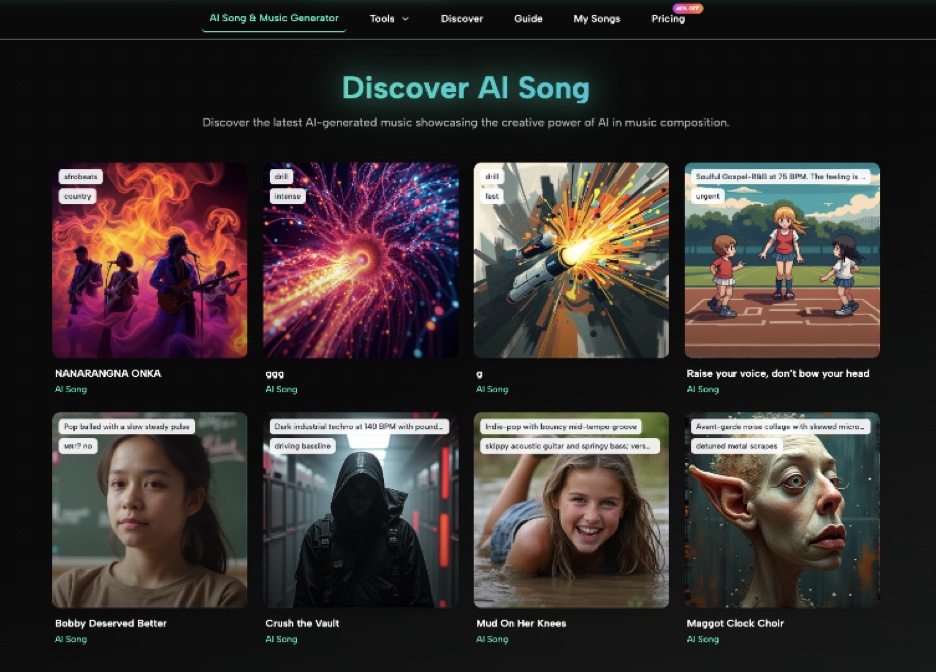
This is also where an AI Music Generator can be useful as a sketching tool. AISong currently supports instrumental generation as well as Simple and Custom creation modes, so a filmmaker can begin from a short description rather than writing a complete song.
Use the First Version as an Editing Test
Once a cue exists, put it into the timeline immediately.
Do not spend half an hour polishing the prompt while the scene remains untouched. The point is to hear the relationship between picture and music.
Play the scene once with the cue and once without it. Then ask:
- Did the pacing feel better or merely busier?
- Did the music cover a weak edit that should actually be fixed?
- Did it leave enough room for dialogue and sound effects?
- Did an emotional moment become too obvious?
- Did the cue start too early?
These questions keep the editor focused on the film.
For example, a tense cue may seem perfect until it is placed under an actor’s quiet performance. If it makes the scene feel melodramatic, the right solution may be to simplify the music rather than intensify it.
Why Custom Lyrics Usually Do Not Belong in This Stage
AISong also provides a Custom Mode that can work with user-written lyrics and song structure. That can be useful for projects where a vocal song is part of the story, but it is not automatically the right choice for temp scoring.
If the film includes a fictional band, a character performance, or a song heard from a radio, lyrics may be central. In that case, the filmmaker can write the words first and test how they sound as a complete song.
For ordinary underscoring, though, lyrics add information the scene may not need. A neutral instrumental cue is often easier to cut around.
The lesson is simple: use the amount of control the scene requires, not every feature the tool offers.
Do Not Let Temp Music Become a Licensing Assumption
Temporary music is still temporary.
Even when a platform describes generated music as available for creator use, filmmakers should check the current terms that apply to their plan and intended distribution before locking a track into a commercial release. Festival screenings, client work, advertising, online monetization, and broadcast can carry different practical requirements.
It is also wise to keep project notes. Record which cue was generated for which scene and save the prompt or creative description. If the film changes later, those notes make it easier to create another version in the same general direction.
This is particularly helpful on collaborative projects. An editor can tell the director, “This cue is only testing pacing and mood,” instead of letting the whole team assume it is final.
When the Temp Cue Should Be Replaced
A generated cue has done its job when it helps the team make better decisions.
Replace it if the film needs a composer who can react precisely to character beats, recurring themes, or frame-level timing. Replace it if the generated result sounds generic next to the film’s visual identity. Replace it if the final rights situation does not fit the release plan.
On the other hand, some smaller projects may find that a generated cue already fits the required purpose. The decision should come after listening in context, not before.
The important thing is to avoid the classic temp-track problem: building the entire edit around a famous song whose timing and emotional shape become impossible to replace.
Conclusion
For an indie filmmaker, AI-generated music is most useful when it removes friction from the rough-cut stage. A custom temp cue can help test pacing, mood, transitions, and scene length without making the edit depend on a commercial song that was chosen only because it was easy to find.
Start with one scene that currently feels difficult to judge. Describe what the music needs to do, generate a restrained version, place it under the picture, and compare the cut with and without it. Treat the cue as a tool for seeing the film more clearly. If it survives beyond that stage, that should be a deliberate decision rather than an accident.