

A continuity board stops being useful when nobody can explain why its images differ. One frame shows the actor holding a glass in the right hand, another moves it left, and a third changes the jacket sleeve. An AI photo editor can make every frame look plausible while the board stops answering the production question: what must remain consistent when the scene is shot?
Fast visual variants are valuable for exploring lighting, background cleanup, or a proposed prop position. They also make untracked variation cheap. The remedy is not a generic approval checklist. It is a ledger that ties every accepted edit to a shot number and a specific directing decision.
Attractive Continuity Boards Can Break the Shoot
Imagine a two-person café scene planned across a wide shot, two over-the-shoulders, and a close-up. The board is assembled from one rehearsal still. During cleanup, the table is simplified and the coffee cup shifts slightly. In isolation, the change is harmless. Across the sequence, it breaks the action of the actor setting the cup beside a notebook.
The Board Hides Decisions Inside Visual Polish
When a background is cleaned, the result may also remove a practical light, change a doorway, or erase a prop needed for blocking. The reviewer sees a tidier image but not the production cost. A continuity board must separate a cosmetic edit from a decision about performance, geography, wardrobe, or art direction.
Unlabeled Variants Compete With the Approved Frame
Teams often save variants as “new,” “better,” or “final.” Those names describe preference, not function. If the assistant director prints the wrong version, the crew may prepare a prop position that the editor cannot cut together. The failure begins in file naming and only becomes visible on set.
The same problem appears when a board mixes photographs from rehearsal, location references, and generated alternatives without labels. A crew member cannot tell which wall actually exists, which prop has been purchased, or which frame is only a lighting idea. Put the asset class directly under every image before discussing aesthetics.
| Continuity class | Example | Who decides | Ledger entry |
| Performance | Hand holding the cup | Director and actor | Action beat and approved hand |
| Wardrobe | Jacket open or closed | Costume lead | Look number and scene moment |
| Props | Notebook beside cup | Art department | Position relative to actor |
| Screen geography | Doorway behind character | Director and DP | Camera side and movement path |
Build One Ledger From the Approved Source Frame
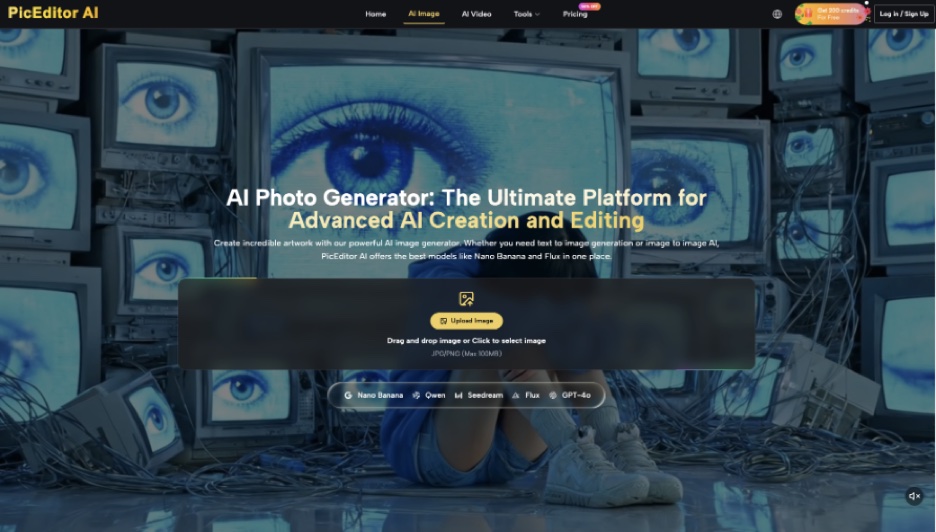
Choose a frame whose scene, take, and timecode are known. Lock that image and give it a source ID. Every derivative inherits the ID plus a variant number. PicEditor AI can support object removal, background changes, enhancement, and prompt-led edits, but the ledger—not the tool history—should explain the production purpose.
Give Every Variant a Single Shot Job
A variant should answer one question: Can the practical lamp be dimmer? Does the close-up need a cleaner wall? What happens if the notebook moves to reveal the actor’s hand? Do not combine wardrobe, prop, and lighting changes in one prompt. A rejected composite teaches the team nothing about which decision failed.
For the café example, variant S12-CU-02 might remove a distracting poster while preserving the cup, notebook, doorway, jacket, hand position, and source perspective. The ledger records “close-up background simplification for focus; no continuity change.” That sentence is more useful on set than a polished thumbnail.
Keep the prompt beside that entry, but do not treat it as the decision record. Prompts describe an intention; the pixels show what changed. A reviewer should compare the output, source, and ledger note together. If the note says the cup was preserved and the handle has rotated, the image fails regardless of what the prompt requested.
Record the Rejection Reason Beside the Image
Rejected variants belong in the ledger because they define the boundary. “Cup moved left and breaks action match” is an actionable note. “Looks wrong” is not. Over several scenes, rejection reasons reveal recurring prompt problems and show which details should be protected by default.
Review the Board in the Planned Edit Order
A board can pass frame-by-frame inspection and still fail as a sequence. Arrange the wide shot, over-the-shoulders, and close-up in intended cut order. Track eye lines, screen direction, body position, props, wardrobe, and the apparent time of day. The review should follow the action rather than the order in which files were generated.
Use the Cut to Expose False Continuity
Move quickly between adjacent frames. A changed sleeve length, reversed cup handle, or missing reflection becomes easier to see. If a detail is uncertain in the source, mark it unresolved instead of allowing an edit to decide. A board is a planning aid; it should not invent an answer the production team has not chosen.
Print a rough contact sheet or view the board on the tablet used during production. Large monitors encourage reviewers to inspect isolated texture. On set, the useful signals are faster: which hand moves, where the actor looks, what object crosses the cut, and whether the next setup preserves the beat.
Ask Each Department to Approve Its Own Detail
The continuity supervisor should not be expected to approve a costume construction change, and the costume lead should not decide camera geography. Route the board by responsibility. Each approval updates the same ledger so the final PDF or contact sheet carries one coherent decision record.
Use the served board size for the final pass. Enhancement can hide small edge errors at full resolution, while a compressed board can make two similar props indistinguishable. Keep the source frame available beside the sequence rather than burying it in another folder.
Freeze accepted variants before the shoot and issue a new revision number when a blocking or wardrobe decision changes. Do not silently replace a page in the shared file. The date, revision, and changed shot numbers should be visible on the cover so departments know whether their printed copy is current.
At the production meeting, read the changed-shot list aloud and invite only factual corrections. This keeps a late preference for prettier artwork from reopening settled continuity decisions and gives every department the same practical handoff.
Hand the Decision Record to Production
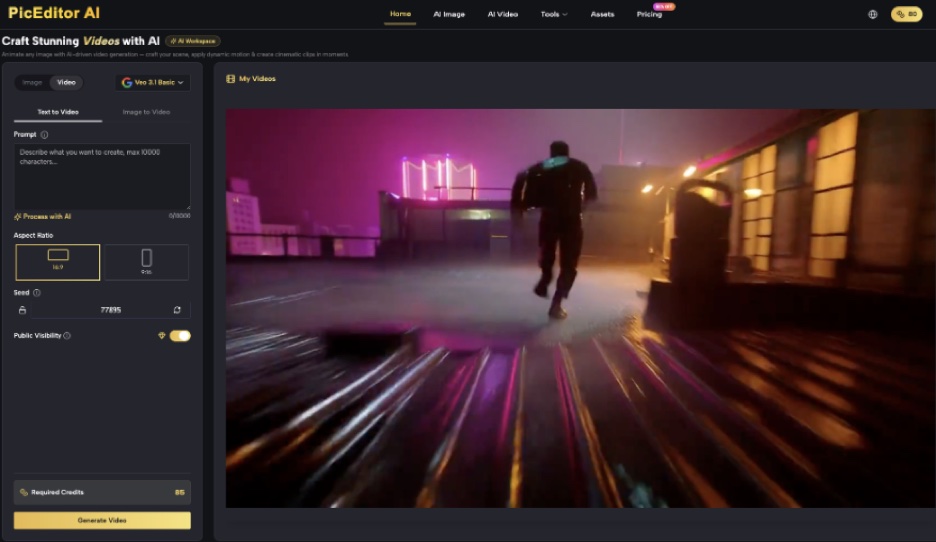
AI photo editing is appropriate when a known source needs a bounded visual alternative. PicEditor AI should not be asked to resolve missing coverage, reconstruct an unknown prop, or decide which version is canon. Those are production decisions, even when the workspace can produce a persuasive option.
Deliver the board with source IDs, shot numbers, accepted changes, rejected changes, and named approvals. PicEditor AI remains one tool inside that record rather than the authority behind it. The best continuity image is not simply the cleanest one. It is the one a crew member can trace back to a decision before the camera rolls.