


Newsrooms increasingly need maps, explainers, timelines, social cards, and illustrative images on short deadlines. The pressure is not simply to make more visuals; it is to produce them in formats that readers can understand while keeping facts, labels, and context under editorial control.
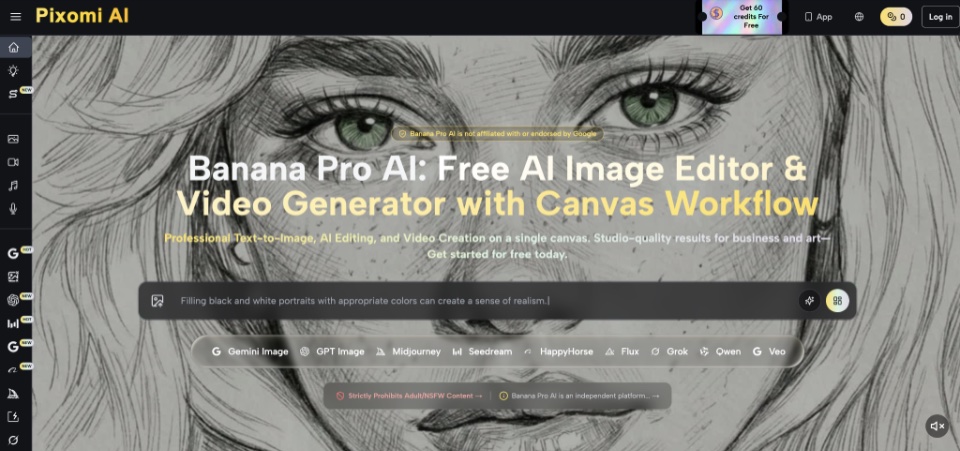
Generative tools can help with early visual development, but they should never become an automatic publishing machine. Platforms offering Nano Banana Pro can support a supervised workflow in which journalists turn a verified brief into visual options, review every element, and retain responsibility for the final frame. The objective is not to make synthetic material look like reporting; it is to create a controlled visual aid that remains subordinate to reporting.
Separate Illustration From Documentary Evidence
The first editorial decision is whether an image represents evidence or interpretation. A photograph from a verified source may document an event. A generated scene, even when realistic, is an illustration and should not be allowed to imply that the depicted moment actually occurred.
That distinction should shape both the brief and the presentation. Generated visuals work best for abstract systems, hypothetical situations, educational diagrams, historical reconstructions with clear context, or concept art. They are a poor substitute for authentic reporting from a real place or person. When a generated visual appears beside documentary photographs, captions and styling should make the difference immediately apparent rather than expecting readers to infer how each image was made.
Turn Reporting Into a Visual Brief
Good results begin before the image tool opens. A reporter or editor should reduce the story to a visual claim that can be checked. The brief needs a purpose, approved facts, prohibited assumptions, and a list of elements that must remain readable.
- Define the reader question
State what the visual should help a reader understand in one sentence. “Show how water moves through this treatment process” is testable; “make water infrastructure exciting” is not. The reader question prevents decoration from replacing explanation. It also gives the assigning editor a quick rejection test: if the result is attractive but does not answer that sentence, it is not ready for revision.
- Lock the source facts
Create a short fact sheet containing names, dates, quantities, geographic relationships, and terminology already verified by the newsroom. Do not ask a model to invent missing data. If an important fact is uncertain, the visual should omit it or mark the uncertainty explicitly during manual design. Link each item in the internal sheet to the reporting note or source that supports it so the visual editor can resolve questions without repeating the entire investigation.
- Choose the visual form
Decide whether the story needs a diagram, annotated object, scene illustration, comparison, or sequence. A process with several stages may need arrows and numbered panels; a cultural feature may benefit from a mood-led illustration. Selecting the form early makes prompt revisions more focused. It also helps an editor recognize when a conventional chart, commissioned photograph, or hand-drawn map would communicate more honestly than a generated image.
- Mark sensitive boundaries
List details that must not be fabricated, including faces of real people, uniforms, official emblems, disaster damage, medical conditions, or exact locations. The brief can also specify that no new text, statistics, or organizations may appear beyond the approved fact sheet. For sensitive stories, an editor may decide that generation is inappropriate altogether; the workflow should make that refusal easy.
Keep Humans Inside Every Revision
A newsroom should treat generation as a draft stage. One editor can compare the output with the brief, while another checks spelling, factual relationships, visual emphasis, and the possibility that a realistic detail could mislead readers. For diagrams, every label should be read as carefully as a sentence in the article. Reviewers should also view the asset at mobile size, where a qualifying label may disappear while a dramatic but less important element remains prominent.
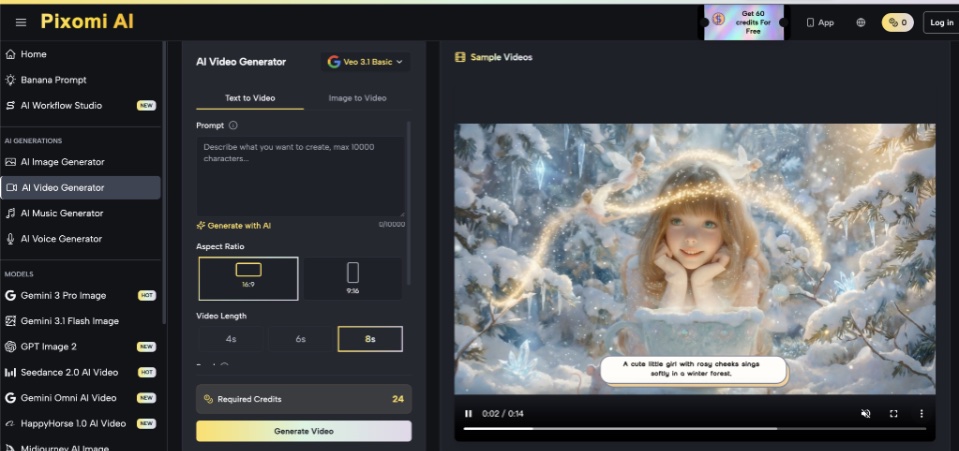
Pixomi AI supports text- and image-led creation followed by further editing, so a team can iterate instead of accepting the first output. When Nano Banana Pro is used for a poster, diagram, or localized graphic, its text and world-knowledge capabilities can help create a strong draft, but the newsroom must still confirm that wording, geography, chronology, and symbols match verified reporting.
Design an Audit Trail Editors Can Follow
The safest workflow leaves a visible path from source material to published asset. Save the approved brief, reference images, prompt versions, selected output, manual corrections, and the name of the editor who signed off. If the illustration is updated after publication, record what changed and why. Keep the archive with the story package rather than in a personal account so corrections remain possible when staff assignments change.
A visual canvas can make this process easier to understand. The original concept can remain in one branch, factual corrections in another, and format adaptations in separate branches for the website and social channels. This reduces the risk of an unapproved experiment being mistaken for the final version and helps another editor reconstruct the decision later.
Editorial Judgment Remains the Publishing Engine
AI can reduce the friction of sketching an explainer or exploring several art directions, but it cannot assume the newsroom’s duty to distinguish evidence from illustration. The strongest process begins with verified reporting, limits the visual claim, and applies a second editorial review before publication.
When those controls are normal rather than exceptional, generative images become accountable production materials instead of mysterious outputs. The technology may accelerate visual drafting, but trust still comes from transparent choices, careful labeling, and editors who are prepared to reject an image that does not serve the story.